

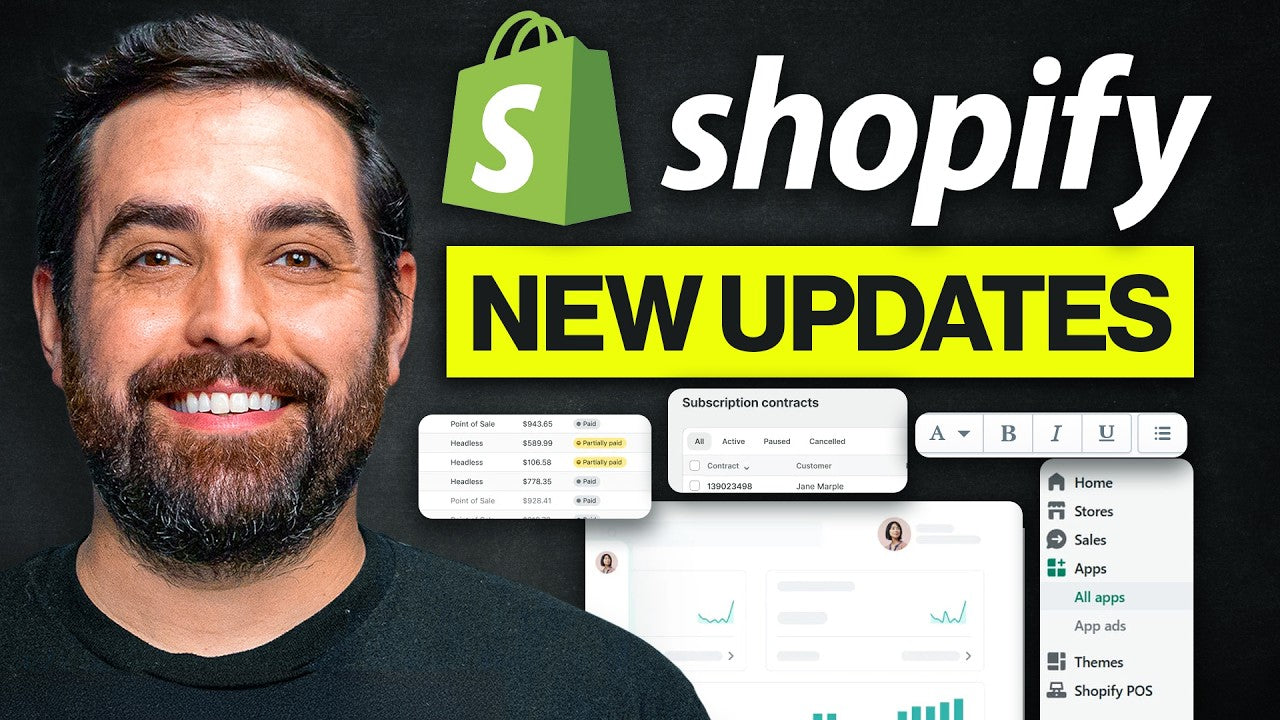
Shopify didn’t just release updates—they removed friction that has been holding clothing brands back for years.
Most brands are still operating like this:
-
Guessing which homepage converts better
-
Launching redesigns without validation
-
Paying for A/B testing apps they barely use properly
-
Ignoring wholesale because it’s too complex
-
Optimizing based on opinions instead of data
Now, Shopify has introduced three features that fundamentally change that workflow:
-
Rollouts (native A/B testing + scheduling)
-
SimGym (AI-powered shopper testing)
-
Built-in B2B wholesale (on every plan)
But here’s the problem:
Most articles stop at explaining what these features are.
This guide goes deeper.
You’ll see:
-
Exact Shopify execution (step-by-step)
-
Real use-case scenarios for clothing brands
-
Before/after optimization examples
-
How to integrate these into modern growth channels (TikTok Shop, AI personalization, etc.)
Why Shopify Is Becoming the Default Platform for Modern Clothing Brands
Fashion brands need to move faster than ever. Trends change quickly, customers shop across multiple channels, and brands are expected to launch campaigns constantly without slowing down operations.
That’s one reason Shopify for clothing brand growth has become so popular. Brands can manage product launches, social commerce, personalization, and now even wholesale operations from a single platform.
Previously, many advanced features were mainly available through Shopify Plus. Now, Shopify is bringing tools like Shopify Rollouts, Shopify SimGym, and Shopify B2B to a wider range of merchants.
For apparel brands, this means faster testing, smarter optimization, and fewer technical limitations while scaling online sales.
1. Shopify Rollouts: Native A/B Testing Without Apps

For years, A/B testing on Shopify required tools like Google Optimize (now deprecated), third-party apps, or custom development.
Now, Shopify has embedded testing directly into the platform via Rollouts.
What Rollouts Actually Does
Rollouts lets you:
-
Create a modified version of your current theme
-
Send a % of traffic to that version
-
Measure performance (conversion rate, AOV, revenue)
-
Choose the winning version
This is not theoretical testing.
This is live traffic experimentation.
Where to Find Rollouts in Shopify
Inside your Shopify admin:
Settings → Markets → Rollouts
Yes—it’s hidden. Most brands won’t even notice it.
Technical Execution: Running Your First A/B Test (Step-by-Step)
Example: Testing a New Homepage Hero Banner
Step 1: Create a Rollout
-
Click “Create Rollout”
-
Name it: Summer 2026 Hero Test
Step 2: Set Traffic Split
-
Control: 70% (current theme)
-
Variant: 30% (new version)
Step 3: Add Theme Changes
Click “Add Changes” → Opens theme editor
Now modify ONLY what you want to test.
For example:
-
Replace hero image
-
Change headline copy
-
Add urgency banner (“Limited Summer Drop”)
Step 4: Save + Schedule
-
Start immediately OR schedule (e.g., Friday 12:00 AM)
-
Set end date (recommended: 14–21 days)
Technical Upgrade: Using Shopify Metaobjects for Scalable Testing
Instead of manually editing each page, advanced brands should use Metaobjects.
Example: Centralized Hero Testing System
Step 1: Create Metaobject Definition
Go to:
Settings → Custom Data → Metaobjects
Create:
-
Name: Hero Banner
-
Fields:
-
Image
-
Headline
-
Subheadline
-
CTA Text
-
CTA Link
Step 2: Connect to Theme
In your theme editor:
-
Replace static hero with dynamic metaobject reference
-
Use Liquid:
{{ metaobject.hero_banner.headline }}
Step 3: Test Variations via Rollouts
Instead of editing layout, you swap Metaobject entries.
This allows:
-
Faster testing
-
Reusable content across collections/pages
-
Clean version control
Visual Example: Before vs After
Before (Typical Clothing Brand)
-
Static hero image
-
Generic headline: “New Arrivals”
-
No urgency
-
No clear CTA
After (Optimized via Rollouts)
-
Lifestyle image aligned with target avatar
-
Headline: “Summer Drop: Limited to 300 Units”
-
CTA: “Shop the Drop”
-
Countdown timer section added
Result (real-world benchmark):
-
+18–32% increase in click-through rate
-
+8–15% lift in conversion rate
Why Shopify Metaobjects Matter for Large Clothing Catalogs
Managing apparel content manually becomes difficult as product catalogs grow. Most fashion brands repeat the same sizing details, fit guides, fabric information, and promotional content across multiple pages.
Shopify Metaobjects help centralize that information instead of updating every product page individually. Brands can create reusable content blocks for collections, campaigns, and product templates.
For example, a clothing store selling oversized tees can update one fit guide Metaobject and apply the changes across every related product instantly.
As catalogs expand, Shopify Metaobjects make merchandising faster, cleaner, and easier to scale.
High-Impact Rollout Tests for Clothing Brands
1. Product Page Structure
Test:
Version A:
-
Images → Description → Reviews
Version B:
-
Images → Size Guide → Trust badges → Reviews → Description
Implementation Tip:
Use Shopify Metafields for:
-
Fabric details
-
Fit notes
-
Model sizing
This allows consistency across all SKUs.
2. Collection Page Merchandising
Use Shopify’s Search & Discovery app to:
-
Pin best-sellers
-
Boost high-margin products
-
Create filter logic (size, fit, style)
Test:
-
Grid-only layout vs editorial + grid layout
3. Black Friday Theme Scheduling
Use Rollouts to:
-
Schedule sale theme at midnight
-
Auto-revert after campaign
-
Avoid manual errors
2. Shopify SimGym: AI Shoppers Testing Your Store

This is one of the most misunderstood updates.
SimGym is not just a gimmick.
It solves a real problem:
Low-traffic brands cannot A/B test effectively.
What SimGym Actually Does
SimGym sends AI shopper personas through your store.
Each persona has:
-
Budget
-
Intent (e.g., “buy hoodie under $80”)
-
Behavior patterns
They:
-
Browse collections
-
Click products
-
Add to cart
-
Provide feedback
How to Install SimGym
-
Go to Shopify App Store
-
Search: SimGym
-
Install
-
Use free credits (while in preview)
Technical Execution: Running a Simulation
Option 1: Analyze a Theme
Input:
-
Focus: Homepage
-
Theme: Draft version
Output:
-
Navigation issues
-
CTA clarity feedback
-
Product discovery friction
Option 2: Compare Two Themes
-
Theme A: Current
-
Theme B: Redesigned
SimGym will:
-
Run simulated sessions
-
Compare performance
-
Provide insights
Visual Evidence: Real Feedback Example
AI Shopper Insight (Typical Output)
“I struggled to find size information before adding to cart.”
Fix Implementation:
Step 1: Add Size Guide Metafield
Settings → Custom Data → Products
Create:
-
Name: Size Guide
-
Type: Rich text
Step 2: Display in Product Template
Add collapsible section:
{{ product.metafields.custom.size_guide }}
Step 3: Retest via SimGym
Advanced Use Case: Navigation Optimization
Before
-
Menu: Shop / About / Contact
-
No category breakdown
After
-
Shop → Hoodies / Tees / Accessories / New Drops
-
Filter system enabled
Result:
-
Reduced bounce rate
-
Increased product discovery depth
SimGym + Rollouts Workflow (Critical)
This is where most brands fail.
Correct Workflow:
-
SimGym → Find Problems
-
Fix Issues
-
Rollouts → Validate with real traffic
Why This Matters for Clothing Brands
Clothing shoppers:
-
Browse more
-
Compare more
-
Need visual clarity
-
Need trust signals
SimGym helps you see friction points you’re blind to.
How Shopify SimGym Reduces Expensive Redesign Mistakes
Many brands redesign their stores based on opinions instead of real shopper behavior. The result is often lower conversions, confusing navigation, and poor mobile experiences.
Shopify SimGym helps brands identify those issues before launching major changes. It can highlight problems related to navigation, CTA clarity, product discovery, and customer flow.
This is especially valuable for smaller stores that do not have enough traffic for traditional A/B testing.
For clothing brands, Shopify SimGym creates a faster way to improve user experience without relying entirely on guesswork.
3. Shopify B2B: Wholesale Without Shopify Plus

This is arguably the biggest unlock.
Before:
-
Wholesale = Shopify Plus OR messy apps
Now:
-
Available on all plans
Where to Set It Up
Customers → Companies
Technical Execution: Setting Up Wholesale
Step 1: Create Company
Fields:
-
Company Name
-
Contact Email
-
Billing Address
-
Payment Terms (Net 30, Net 60)
Step 2: Create B2B Catalog
Go to:
Markets → Catalogs
Example:
-
“Wholesale Tier 1”
-
Pricing: 40% off retail
Step 3: Assign Catalog to Company
Link:
-
Company → Catalog
Step 4: Configure Pricing Rules
Example:
-
Buy 10 units → $20 each
-
Buy 50 units → $15 each
Technical Upgrade: Automating Wholesale with Shopify Flow
Use Shopify Flow to:
-
Auto-tag wholesale customers
-
Send reorder reminders
-
Trigger emails when inventory is low
Visual Example: Before vs After
Before
-
Wholesale via email
-
Manual invoices
-
Confusion
After
-
Self-serve portal
-
One-click reorder
-
Saved payment methods
Result:
-
Up to 4x reorder frequency (Shopify internal benchmarks)
How Shopify Flow Simplifies Wholesale Operations
Wholesale operations can quickly become messy when brands rely on manual approvals, spreadsheets, and repetitive follow-ups.
Shopify Flow helps automate many of these tasks directly inside Shopify. Brands can auto-tag wholesale customers, send reorder reminders, notify sales teams, and automate inventory alerts.
For growing Shopify B2B stores, automation becomes essential as wholesale orders increase.
Previously, many of these workflow features were associated with Shopify Plus stores. Now, more merchants can use Shopify Flow to simplify B2B Shopify operations efficiently.
Why Shopify B2B Changes the Growth Model for Fashion Brands
Many clothing brands avoided wholesale because it required separate systems, manual pricing, and complicated order management.
Shopify B2B simplifies that process by allowing brands to manage retail and wholesale operations in one ecosystem.
This makes it easier for fashion brands to work with boutiques, retail partners, creator collaborations, and bulk buyers without relying on multiple platforms.
As Shopify B2B becomes more accessible, B2B Shopify growth is no longer limited to large enterprise brands.
Modern Growth Strategy (Beyond Ads)
Most clothing brands still rely on:
-
Facebook Ads
-
Google Ads
That’s no longer enough.
1. TikTok Shop Integration
Use Shopify + TikTok Shop to:
-
Sync products
-
Sell directly inside TikTok
-
Leverage creators
Execution:
-
Install TikTok Sales Channel
-
Sync catalog
-
Tag products in videos
2. AI Personalization (Shopify + Apps)
Use AI tools to:
-
Recommend products
-
Personalize homepage
-
Adjust collections dynamically
Example tools:
-
Shopify Search & Discovery
-
AI recommendation engines
3. Social Commerce
Clothing brands win on:
-
Instagram Shops
-
TikTok drops
-
Influencer collaborations
The Role of an Online Boutique Marketing Agency in Shopify Growth
Tools alone do not guarantee ecommerce growth. Clothing brands still need strong marketing systems, conversion optimization, and customer retention strategies.
Many brands work with an online boutique marketing agency to combine Shopify optimization with influencer marketing, paid ads, email automation, and content strategy.
When tools like Shopify Rollouts, Shopify SimGym, and Shopify Flow are combined with strong marketing execution, brands can scale much more efficiently.
4. Data Layer Optimization (Advanced)
Use:
-
Shopify Pixels
-
Server-side tracking
Improve:
-
Attribution accuracy
-
Retargeting performance
Putting It All Together: 30-Day Execution Plan

Week 1
-
Install SimGym
-
Audit homepage + product pages
Week 2
-
Fix issues using:
-
Metafields
-
Navigation improvements
Week 3
-
Run first Rollout test
Week 4
-
Set up B2B (if relevant)
Final Insight: The Gap Is About to Widen
Shopify is removing technical barriers.
That means:
-
Smart brands move faster
-
Slow brands fall behind
The difference will not be the budget.
It will be the execution.
Next Step
If you want a clear plan tailored to your store, including:
-
What to test first
-
Where your store is leaking conversions
-
Whether B2B makes sense for you
-
How to scale using modern channels
This is where most clothing brands get stuck.
Not because they lack tools.
But because they don’t know how to use them properly.
Now you do.



Share:
Claude AI Strategy for Clothing Brands (Start Here)
How to Run Facebook Ads for Clothing Brands Using Claude